Why Offering Warranty on Replacement Parts Can Boost Your Repair BusinessIn the mobile repair industry, competition has grown rapidly over the last few years. With new service centers opening in almost every city and customers having endless choices, repair shops must do more than just offer affordable pricing. What truly...Nov 21, 2025·3 min read·1
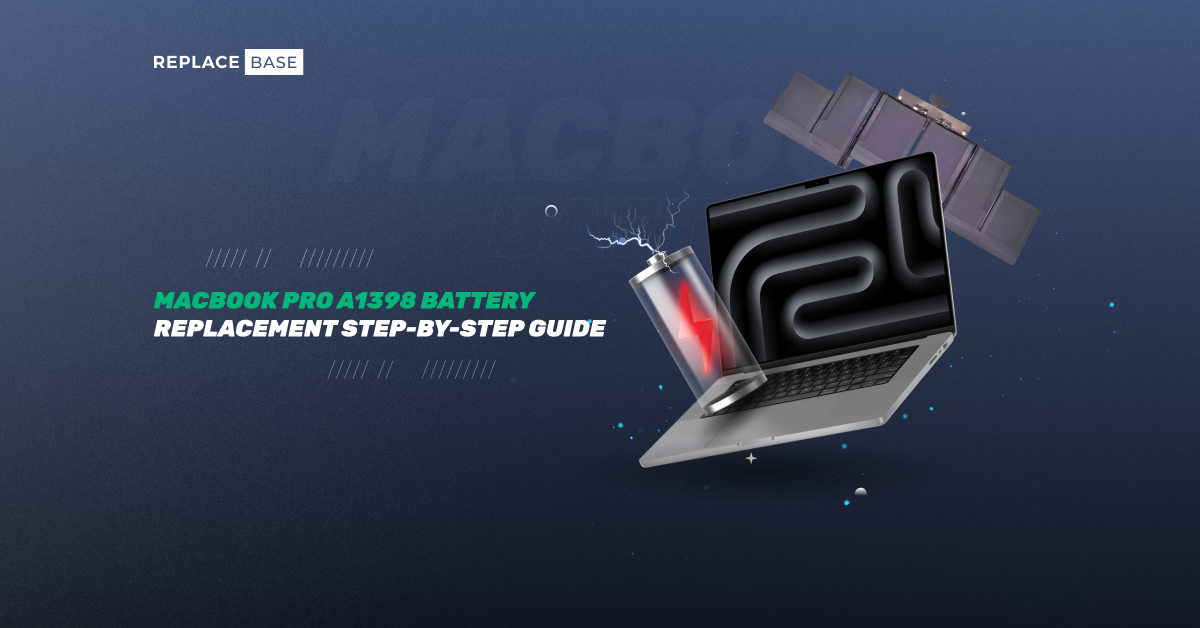
How to Replace the Battery on Your MacBook Pro 15” RetinaIs your MacBook Pro 15” Retina struggling to hold a charge or shutting down unexpectedly? It might be time to replace the battery. Over time, all lithium-ion batteries degrade, and for MacBook users who rely on consistent performance, a worn-out batt...May 9, 2025·2 min read·2
How to Fix Camera Drift on DJI Drones?If your drone footage looks slightly off-centre or the gimbal keeps moving on its own, you might be dealing with a common problem known as camera drift. This issue affects thousands of DJI drone users, especially on models like the Mavic, Air, and Mi...May 2, 2025·1 min read·2
iPhone 15 Pro Max Black Screen Issue: Causes and FixesIs your iPhone 15 Pro Max showing a black screen, even though it seems to be turned on? Don’t panic — you’re not the only one! Many users have faced this issue, especially after an iOS update or a minor drop. The good news? In most cases, it’s someth...Apr 30, 2025·1 min read·2
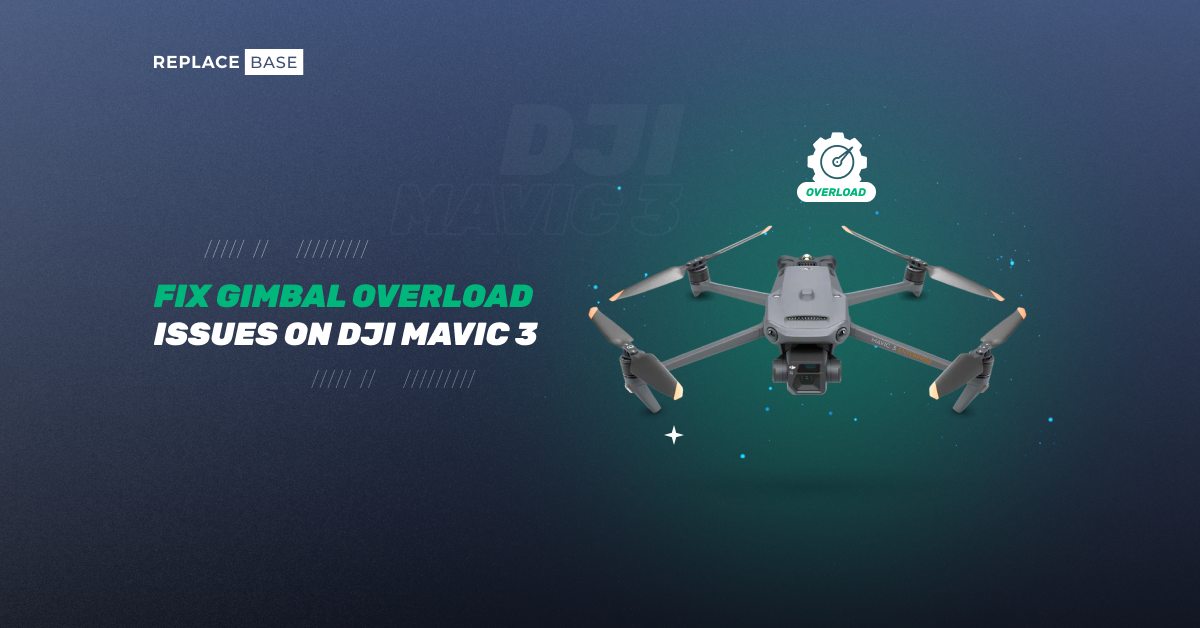
How to Fix Gimbal Overload Issues on the DJI Mavic 3?The DJI Mavic 3 is a premier drone, renowned for its exceptional image quality and stable flight performance, making it a favourite among creators and professionals. However, users may encounter the "gimbal overload error," a common issue that disrup...Apr 24, 2025·2 min read·2
Nintendo Switch Dock Not Working? Troubleshooting Guide and Tips to Fix ItThe Nintendo Switch’s docking station is the key to its seamless shift from handheld to TV gaming, but when it stops working, it can halt your gaming experience in its tracks. Whether you’re a dedicated gamer missing out on big-screen play or a repai...Apr 22, 2025·1 min read·4
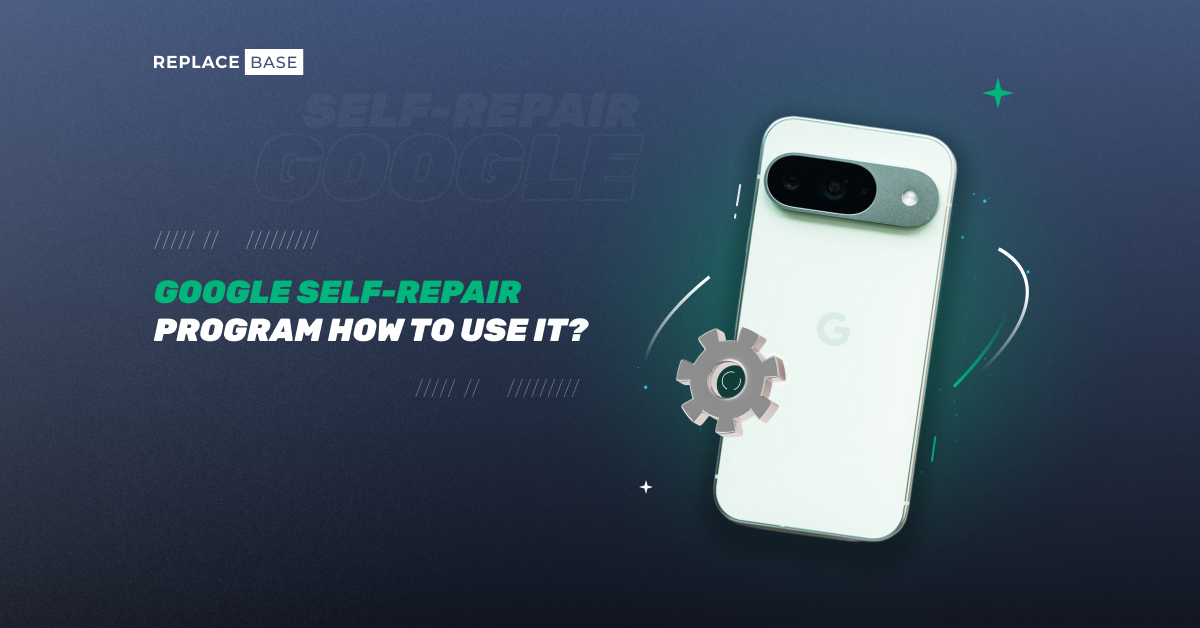
How to Use Google’s Self-Repair Program: A Step-by-Step GuideGoogle’s Self-Repair Program is revolutionizing how Pixel users fix their devices, empowering them with genuine parts, tools, and guides to tackle common issues like cracked screens, faulty batteries, and charging problems. Launched in 2022 amid the ...Apr 4, 2025·1 min read·2