

How to Fix a Flickering Screen on Your MacBook – Step-by-Step Guide
Replace Base supply mobile phone replacement parts, tools, and accessories for consumers and B2B, with over 13k SKUs covering devices from drones to phones we have you covered. Starting as a part-time hobby 12+ years ago ReplaceBase is now an industry leader in the supply and logistics of replacement components for consumer electronics. Supplying end users and B2B, we offer over 13,000 SKUs from our UK warehouse, all available for next-day delivery within the UK, 2 days within Europe, and 2/3 days globally.
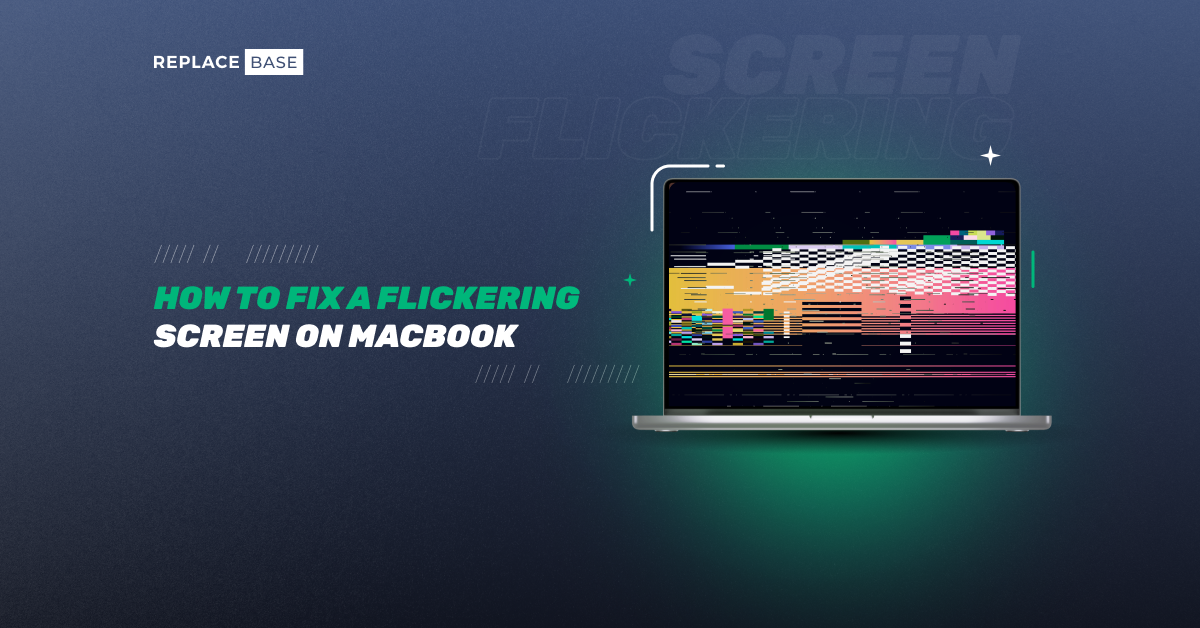
Discover our comprehensive guide on how to fix a flickering screen on your MacBook with a detailed, step-by-step process designed for both repair professionals and tech-savvy users. In this in-depth article, we explore common causes of display flickering—from software glitches and faulty applications to hardware issues like loose cables and failing backlights. Learn how to diagnose the problem by starting with simple fixes, such as restarting your device and booting in Safe Mode, before progressing to more advanced troubleshooting methods like resetting NVRAM/PRAM and the System Management Controller (SMC).
Our guide also covers essential steps for checking external interference and examining internal hardware connections to determine if the issue is related to physical damage. With the help of diagnostic tools and expert tips, you’ll gain the skills to pinpoint the source of the flickering and decide when a replacement part is necessary. If a hardware fault is detected, we recommend sourcing premium components from trusted suppliers like ReplaceBase, ensuring long-lasting, reliable repairs.
This article is packed with practical advice and best practices that emphasize safety, proper documentation, and quality control. We discuss how to communicate effectively with clients during the repair process, manage expectations, and deliver repairs that not only fix the immediate issue but also enhance overall device performance. Whether you're looking to improve your DIY repair techniques or expand your professional service offerings, this guide provides all the insights you need to restore your MacBook’s display to a stable, flicker-free state.
Embrace these proven strategies and elevate your repair services with our expert guidance—ensuring that your MacBook repairs are thorough, efficient, and built to last. Read now to master the art of fixing flickering screens and transform your repair business!


